Convenient Pixel Editor

Image Masking

In photo editing, image masking is a technique that separates an object from its background. Tracing the object’s outline and then filling it in with a chosen color or pattern are the steps in this procedure. As a result, the image is separated from its original context, giving you more flexibility over how it will look when paired with other components.
100+

Team Member

10+

Years of Experience

5000+

Completed Projects

120+

Happy Clients

Why Outsource Image Masking Service to CPD?

Image masking is a dependable and popular photo editing solution that is used to make the brand and product look extremely hairy, fuzzy, and the textiles stand out and stand out. Image masking is a sophisticated Photoshop background removal method used to enhance the clarity of photos that highlight the item for sale. It involves using graphic software such as Photoshop to eliminate the backdrop of photos with fuzzy edges, such as those of hair, wool, or fur.

Reasonably Priced

Our image masking editing services are reasonably priced.

On-time Delivery

Yes, we do provide timely delivery for image masking and editing.

Superior Outcomes

For all of your image masking requirements, we at Image Masking Editing deliver excellent results.

Good Assistance

We are pleased to provide masking editing services and good support.

Image masking SERVICES
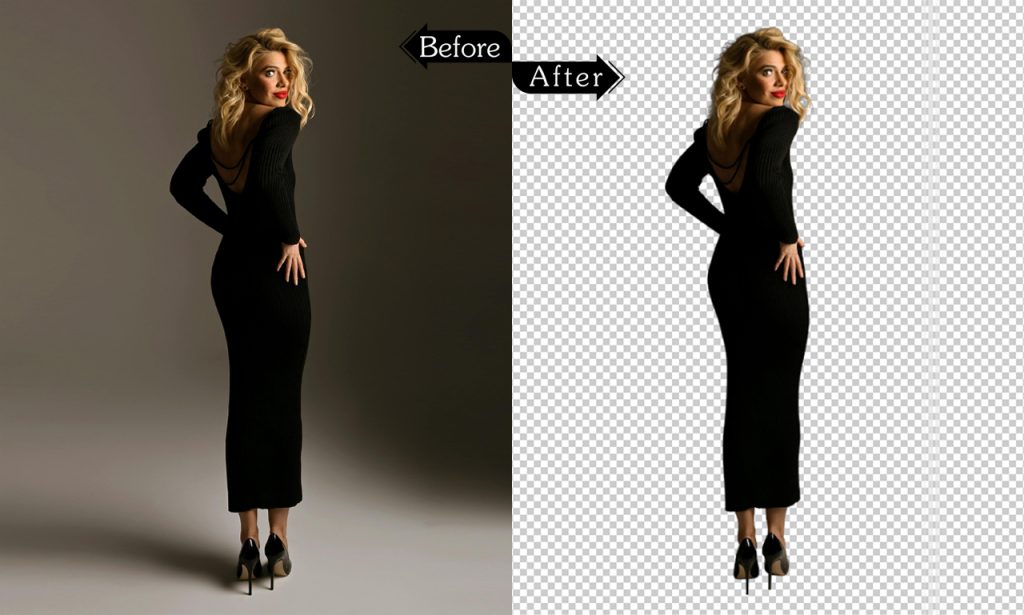
Masking_CPD_01

Layer Masking

Clipping Path Digital provides excellent Layer Masking Services at a reasonable cost! Make flawless edits by using exact masking techniques that enable flawless background removal and image alteration. Perfect for creative ideas, professional photography, and product editing!

Books

Laptop

Box

Mobiles

Bottle

ball

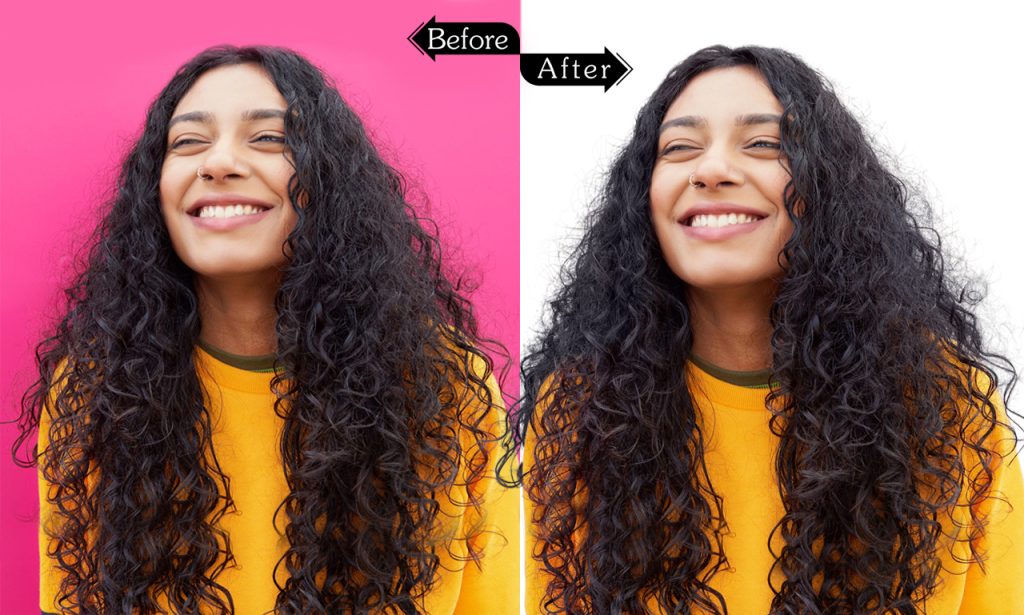
Hair and Fur Masking

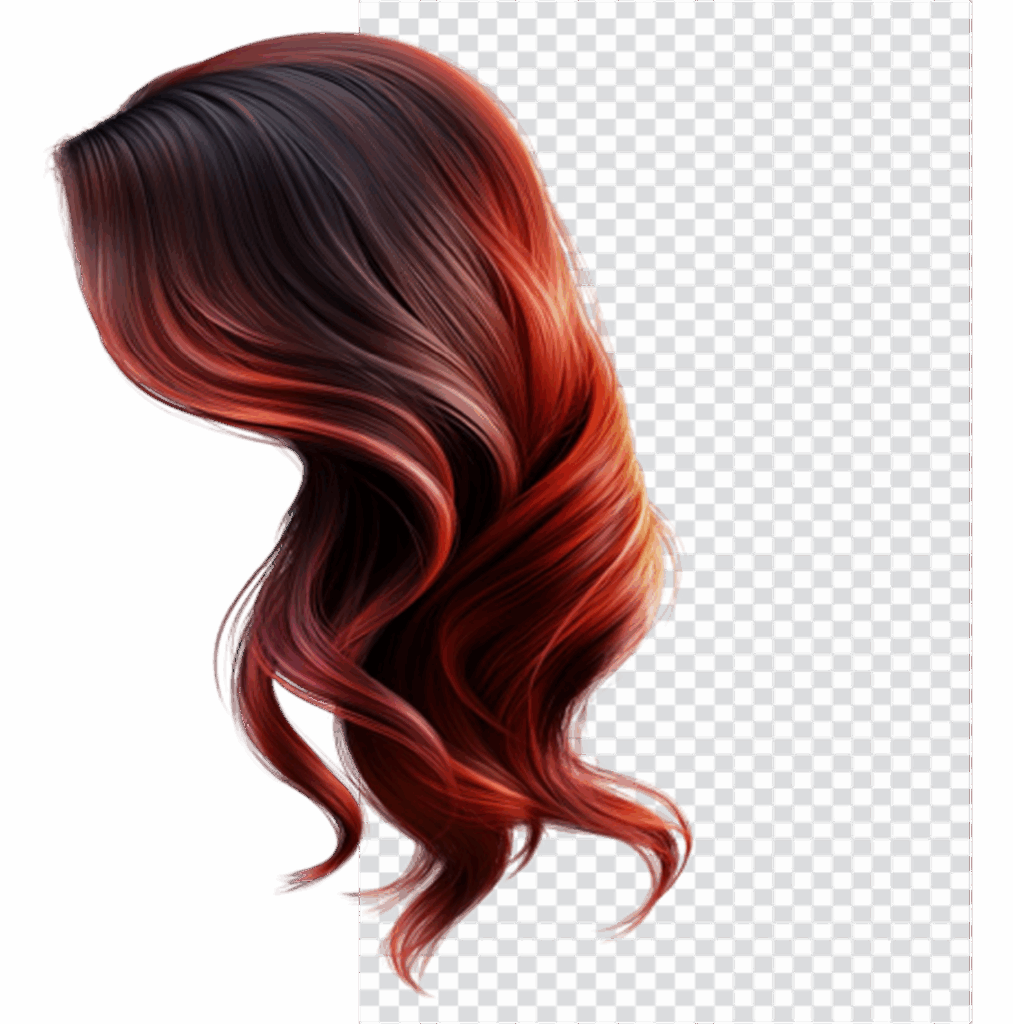
At a reasonable cost, Clipping Path Digital provides excellent hair and fur masking services! Obtain accurate, thorough hair and fur masking to produce photographs that are faultless and realistic-looking. Ideal for professional editing, fashion shoots, and product photography!

watch

Shoes

bag

Monitor

Sun Glass

Wallet
Masking_CPD_02
Masking_CPD_03

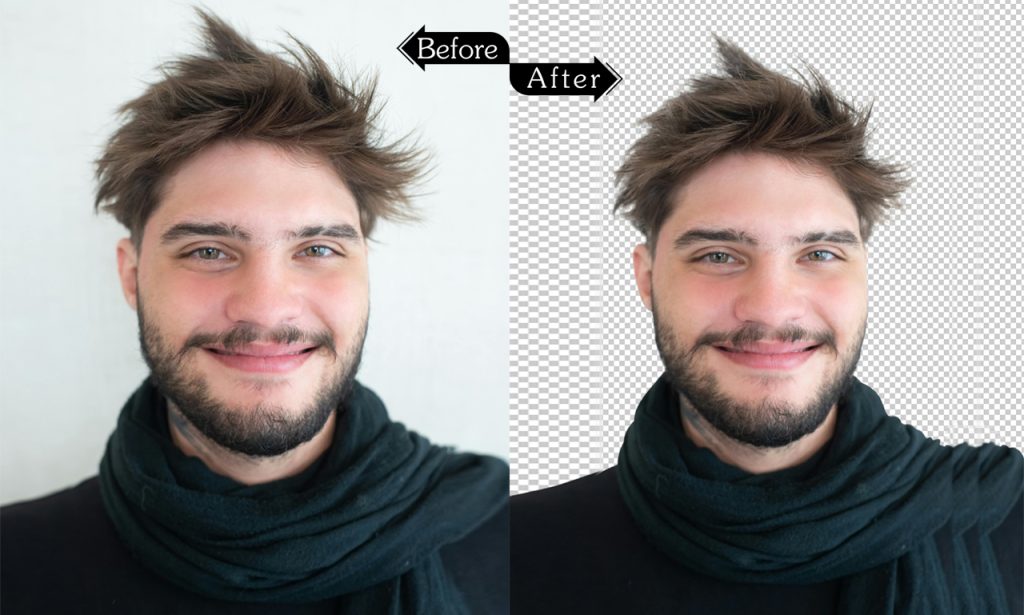
Object masking

Excellent Object Masking Services are available from Clipping Path Digital at a reasonable cost! Get precise, clean cuts and fine-grained masking for every object in your pictures. Excellent for professional photo editing, backdrop removal, and product photography!

group shoes

group watches

baby toys

group rings

bracelets

motor parts

Translucent object Masking

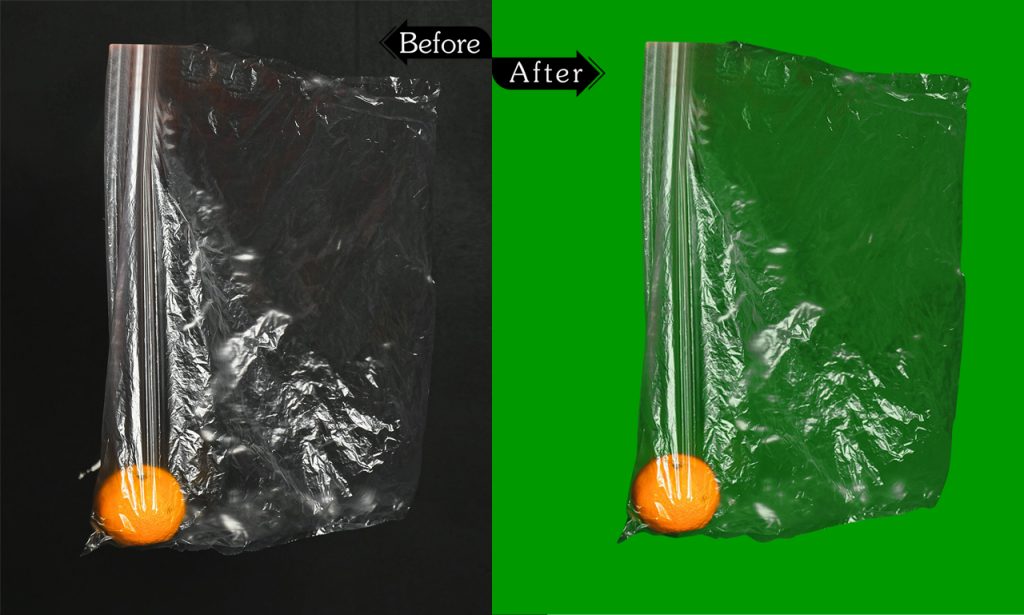
Translucent object masking services of excellent quality and reasonable cost are provided by Clipping Path Digital! When masking translucent items like glass, plastic, or liquids, get skilled precision to ensure a perfect and realistic appearance in your photos. Excellent for creative projects, eCommerce, and product photography!

Baby Strollers

jewelry

furry doll

Furniture sets

cycle

group bracelets
Masking_CPD_04
Masking_CPD_05

Alpha Channel Masking

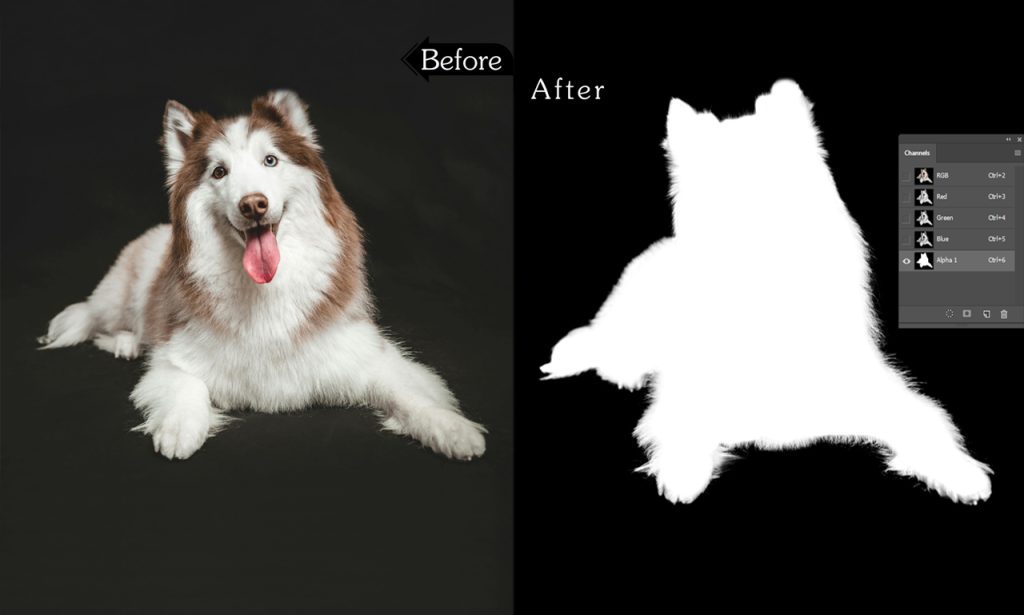
High-quality Alpha Channel Masking Services are reasonably priced from Clipping Path Digital! For your photos, use alpha channels to achieve pixel-perfect accuracy and smooth, detailed masking. Perfect for intricate picture editing, removing backgrounds, and sophisticated image modification!

Intricate jewelry

Group of products

baby toys Set

Wire furniture

Group bracelets

motor parts group

Image Masking KNOWLEDGE

Nowadays, graphic designers who typically work on background removal photo editing chores are well familiar with the term “image masking.” One of the most effective and least time-consuming methods is to give the old images a fresh appearance and make them more appealing to the intended audience. Particularly for items with soft edges like fur, hair, or textiles, it works far better than clipping paths. Improving image quality in product catalogs, information booklets, and even flyers is definitely important to make the product and brand stand out and be visually appealing. Nonetheless, image masking is a sophisticated Photoshop technique used to enhance the quality of the pictures showcasing the item for sale. It is not a challenge for inexperienced Photoshop designers because improper application of the method can result in unattractive pictures.

The process of selectively altering a picture’s opacity to produce a non-rectangular or contoured image is called image masking. It makes it possible to produce images with a variety of irregular shapes, including ones with hard or soft edges. Using image masking, you can emphasize particular areas of an image, blend two photos together, or erase undesired portions of an image.

Photoshop image masking makes it possible to alter or isolate specific subjects in images without destroying any pixels. To eliminate the background of a problem with the edges of the dolls, clothes, or hair, this service is essential. It is a creative method of manipulating or retouching any image with a different background by using layers.

Although Photoshop’s Clipping Path and Image Masking tools are frequently used to edit images with background removal, they differ significantly. Usually, the method utilized to eliminate an image’s background is the primary distinction. The following lists some more typical variations and restrictions:

Method:
While image masking involves applying a collection of layers to the image, clipping paths include using paths around the objects.

Tools:
While image masking employs background removal tools like a magic eraser tool, color separation tool, etc., clipping paths are cut-out systems where a pen tool makes trails around the image.

Limitations:
Image masking is ideal for items with soft and fuzzy edges, whereas clipping paths are practical and more polished for objects with holes inside and simple edges.

The cost for different applications varies since there are several forms of picture masking with different levels of complexity.

Layer Masking
Masking is a relatively easy way to modify the opacity of different regions of a picture or to hide or show aspects of an image. Usually, it is employed to alter the layer’s visibility. The opacity of the entire image may change while adjusting the opacity of a layer using the opacity slider on the panel. Since it’s an easy task, the expense is little.

Clipping Mask
It involves utilizing layers to ascertain another layer’s transparency or visibility. In this case, the layer to be applied for openness has a layer at the bottom. The visibility of the top layer can be managed from the bottom layer. It is a layer mask’s opposite. It is rather more expensive and sophisticated than the original one, though.

Transparency Masking
The translucent object’s image is extracted from the original background using this function. The ideal object for this level is glass, the lance.

Translucent Image Masking
This self-explanatory masking technique is used to remove translucent elements from the background of an image. It is a popular method for giving photos a flawless finish by eliminating extra pixels. It is more expensive than the earlier models, though.

Photoshop Collage Masking
It is a commercial masking system for internet portals, catalogs, brochures, and pamphlets. Collage masking’s main purpose is to remove the background.

Alpha Channel Masking
It is typically the most time-consuming level of masking. To obtain a clear view between the layers, alpha channel masking is done to objects in hairy and furry areas by generating contrast. Several channel plates are utilized to determine which makes the biggest effect when background removal gets extremely challenging. A Color Decontaminate menu and dodge and burn tools are frequently used for alpha channel masking. It requires more than the others because it is the responsibility of skilled Photoshop designers.

Image masking is useful and distinct from other photo editing programs for the following reasons:

Non-Destructive Technique
Since it is a non-destructive method, it is simple and frequent to alter, crop, or adjust the photos as needed. Using picture masking does not have the potential to harm any part of the object.

Modify an Area of a Picture
In picture editing, altering a portion of an image is a typical practice. For instance, masking is used to alter a section of an image or change the quantity seen for color changes. Any changes, such as exposure correction, brightness/contrast adjustment, and color adjustment/correction, can then be made rapidly.

Making Collage Images
One of the best methods for creating captivating collage images is image masking. Stimulating effects can be created by applying masking to different photographs; soft brushes and gray gradients will help create a seamless transition.

Adobe Photoshop’s Pen Tablet is a cutting-edge tool for clipping paths and image masking. To edit the final photos, a PC is linked to a Bluetooth pen. This tool’s size can be changed to fit the needs of the drawing.

On the other hand, picture masking is a masterful photo-editing method, particularly for images with fuzzy or soft edges, such as those of fabric, hair, fur, or translucent objects. For busy photographers and e-commerce merchants, it is therefore indispensable and charming. Typically, they deal with items like dolls, clothes, pets, jams, and glasses that have hairy or fuzzy edges. Additionally, because picture masking increases the visibility of images with varied backgrounds, it makes them jump and eye-catching, which is why magazine editors and handy craft stores also desperately require this service.

In fact, one of Adobe Photoshop’s main procedures for improving the visual appeal of photographs is image masking. As a result, skilled graphic designers with sufficient understanding may manage and implement this strategy flawlessly to meet customer expectations and drive a lot of traffic to the product description boxes.

error: Content is protected !!